
Proof you can check, not a photo in a chat thread
Every static face gets a photograph that is locked to the site, the time and the campaign. Every digital screen gets a play log you can reconcile spot by spot. Both land on the booking they belong to, and both come out as a report you can hand to a client.
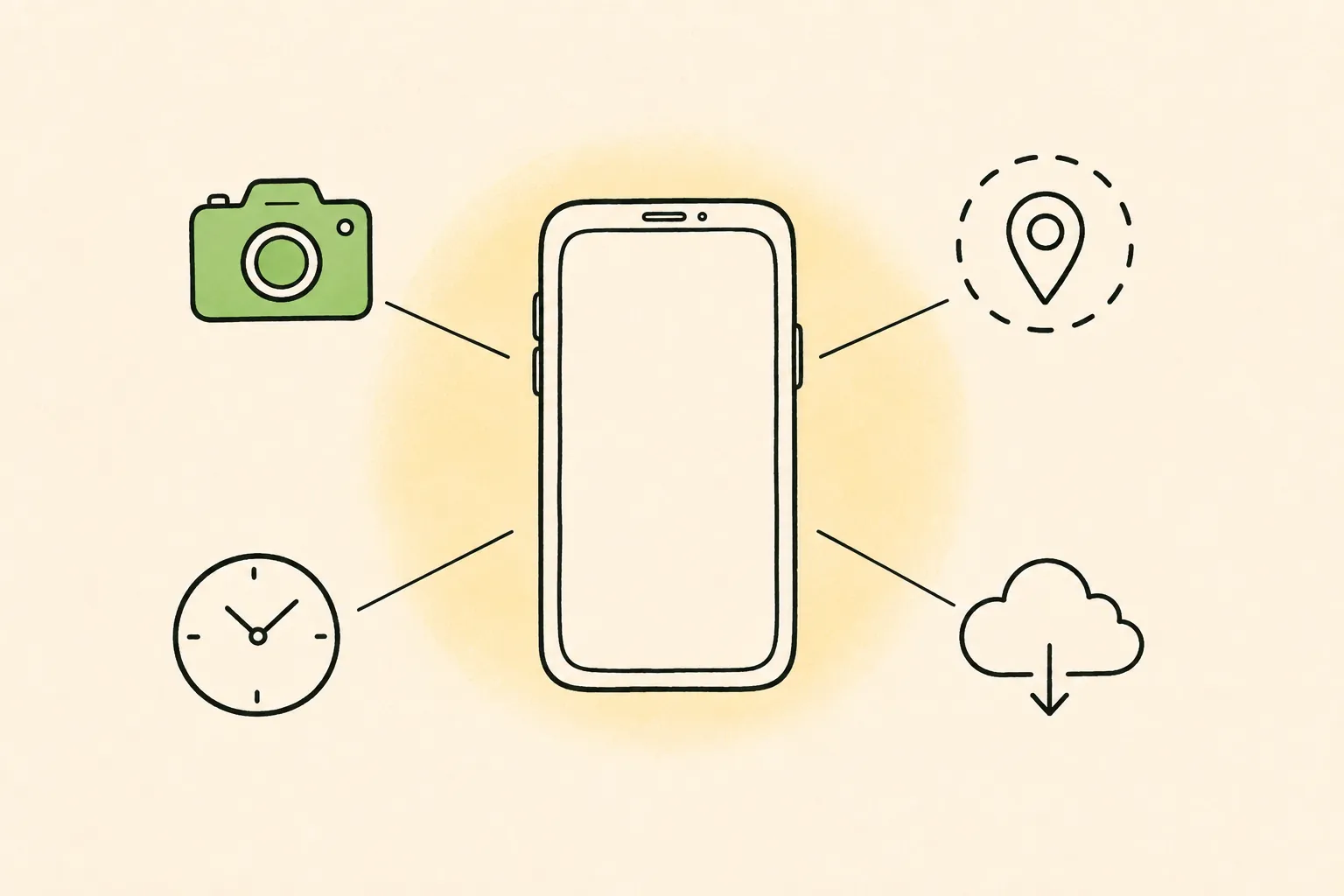
- Per face
- photo proof
- Per spot
- play log
- Per campaign
- proof pack
Six checks that run on every photograph
Each one exists because it closes a specific way a proof photo goes wrong.
In-app camera only
Photographs are taken live inside the app at the site. There is no gallery upload path, so a picture from last month cannot enter the system.
Geofenced to the booked face
The capture location has to fall inside the geofence of the site that was booked — with a radius set per format, not one global number.
Server-set timestamp
The time on the capture comes from our server, not the phone's clock, and it has to fall inside the campaign window.
Duplicate detection
Every image is matched against every other capture on the account — not just within the campaign — so the same board cannot be billed twice.
Creative match
The photograph is checked against the approved artwork for that booking, so a board carrying someone else's creative is flagged rather than counted.
Offline capture with sync
No signal at the site is not an excuse. Captures queue on the device and upload when connectivity returns, keeping their original time and location.
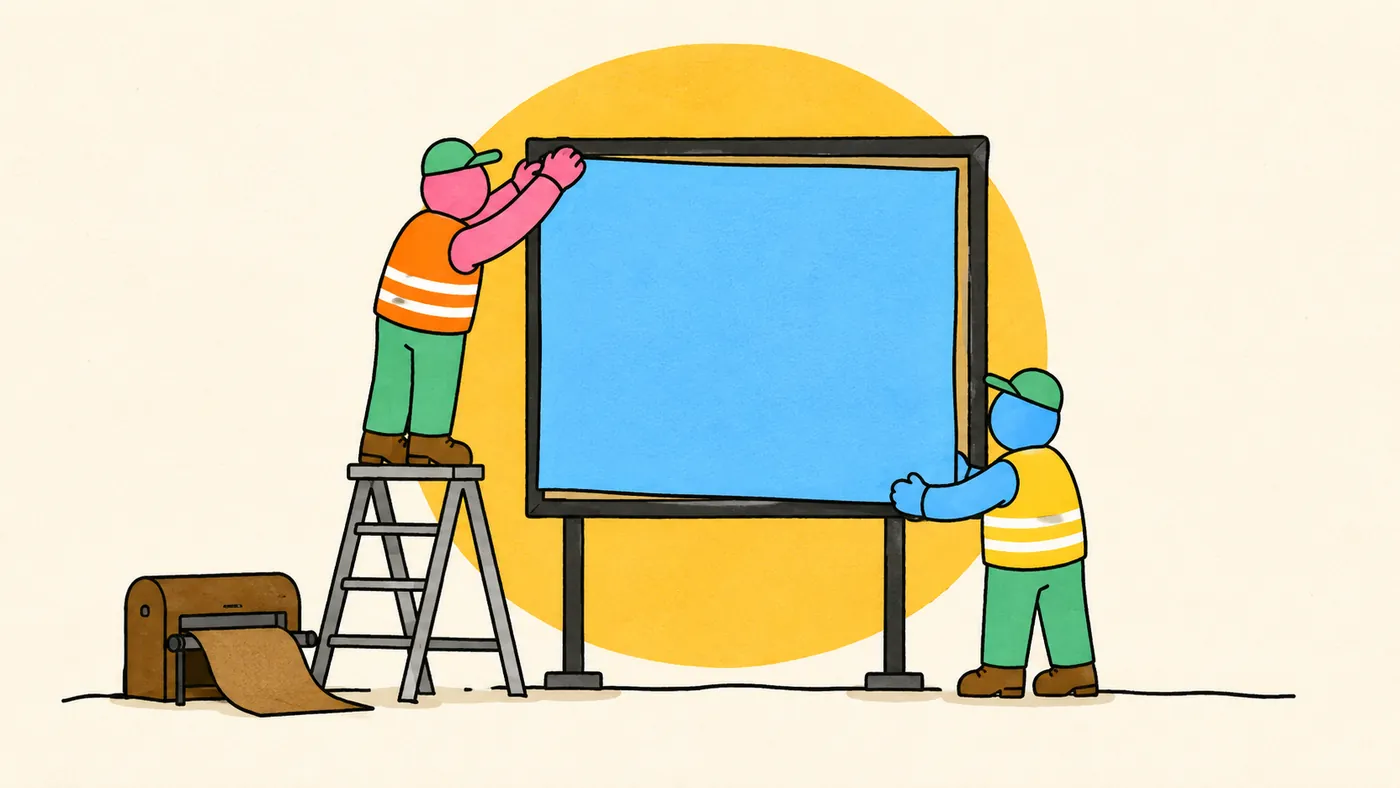
From the crew at the site to the client's report
- 01
The job reaches the crew
Today's route, the sites on it, the artwork for each, and the window each has to be up in.
- 02
The capture is taken in-app
Photograph, location, server time and the site code from the plate on the face, recorded together.
- 03
The checks run automatically
Location, timing, duplication and creative are checked before anyone looks at the image.
- 04
Exceptions go to a person
Anything flagged goes into a review queue with the reason named. Routine captures clear themselves.
- 05
The proof pack closes
One page per face, with the photograph, the site, the date and the check results — and it releases the invoice.
What a digital screen actually ran
A screen that was booked and a screen that played are two different facts. These features cover the gap between them.
Play log per spot
Every play recorded with the screen, the creative, the time and the loop position — not a delivery percentage at the end of the month.
Play-level export
Raw play data out as CSV, or through the reporting API, so you can reconcile against your own records rather than take ours.
Device health alerts
Screens report in. A player that stops checking in raises an alert, so a dark screen is found by the platform rather than by the advertiser.
Remote device control
Send supported players a reload, display on/off, volume or brightness command. Command acknowledgement shows whether the player processed it.
Proof photo references
Review photos attached to the daily proof pack alongside recorded plays and their evidence source.
Published operating hours
Plan delivery within each screen’s published operating windows and dayparts. Changes to device brightness require a supported player command.
The features the crew actually uses
Proof is only as good as the workflow that produces it, so the field app carries its own set of features.
Each job carries its site, its artwork, its window and its dependencies — including whether the printed material has actually been delivered yet.
The day's sites ordered into a route rather than a list, so a crew is not crossing the city twice.
A proof that has not arrived inside its window escalates on its own, with a ranked list of what is about to breach and who to nudge.
The app works with no signal and syncs later. Nothing is lost and nothing is re-shot because a basement had no bars.
The field app runs in the language the crew reads, not only in English.
The site plate in a framed shot is read automatically and fills the site field, so the crew types less and mis-tags fewer captures.
- GPS-locked
- Server timestamped
- Duplicate-checked
- Works offline, in any language
What comes out at the end
Proof is only useful in the shape someone will actually read.
Proof pack per campaign
One page per face and per screen, with the evidence, the dates and the check results, branded for the client.
Live in-flight dashboard
Delivery against what was booked while the campaign is still running, not a reconciliation afterwards.
Custom report builder
Build a report, save the configuration, re-run it on a new date range and have it emailed on a schedule.
Network health reporting
Uptime, incidents and connectivity per screen group, so a venue partner can see the estate is being looked after.
Audit trail
Every state change recorded with who made it and when — the record you reach for when a booking is disputed.
API and CSV
A reporting API separate from the interface, and CSV export on every view, so the data is yours to take.
What the checks do not do
Stated here rather than discovered later.
Automated image checking is not perfect and nobody's is. Routine captures clear automatically; anything flagged goes to a human, and anything that bills is a person's decision.
Audience numbers are modelled from traffic and location data and always carry that label. India has no agreed audience currency, and an unlabelled modelled number reads as measured, which is worse than no number.
There is no camera-based audience or demographic measurement and no facial recognition. Screens report what they played; they do not report who walked past.
Store-visit and promotion-code attribution work where you supply the signal, and are reported as attribution rather than as proof of sales.
Every face photographed, every spot logged, one report
See a real proof pack
We'll set up a workspace on your own inventory and walk a job from work order to capture to the proof pack your client opens.