
Digital out-of-home, live and accountable
Run mall, retail, residential, cinema and transit screens in the same platform as your static faces — creative approval, loops and dayparts, device health, and a play log that proves what aired.

- Live
- screen status
- Scheduled
- play logs
- Reported
- proof of play
The screen types Nukkad manages
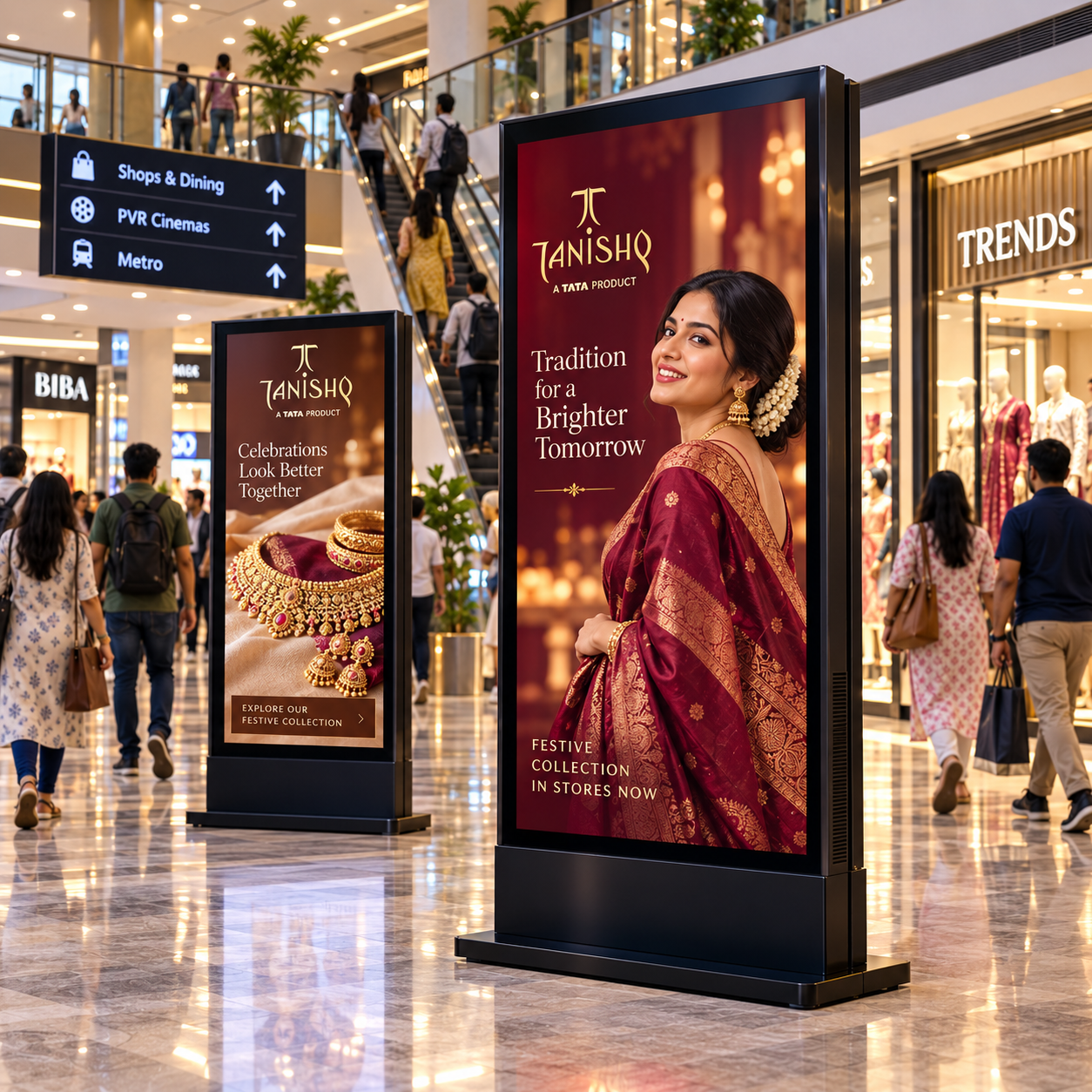
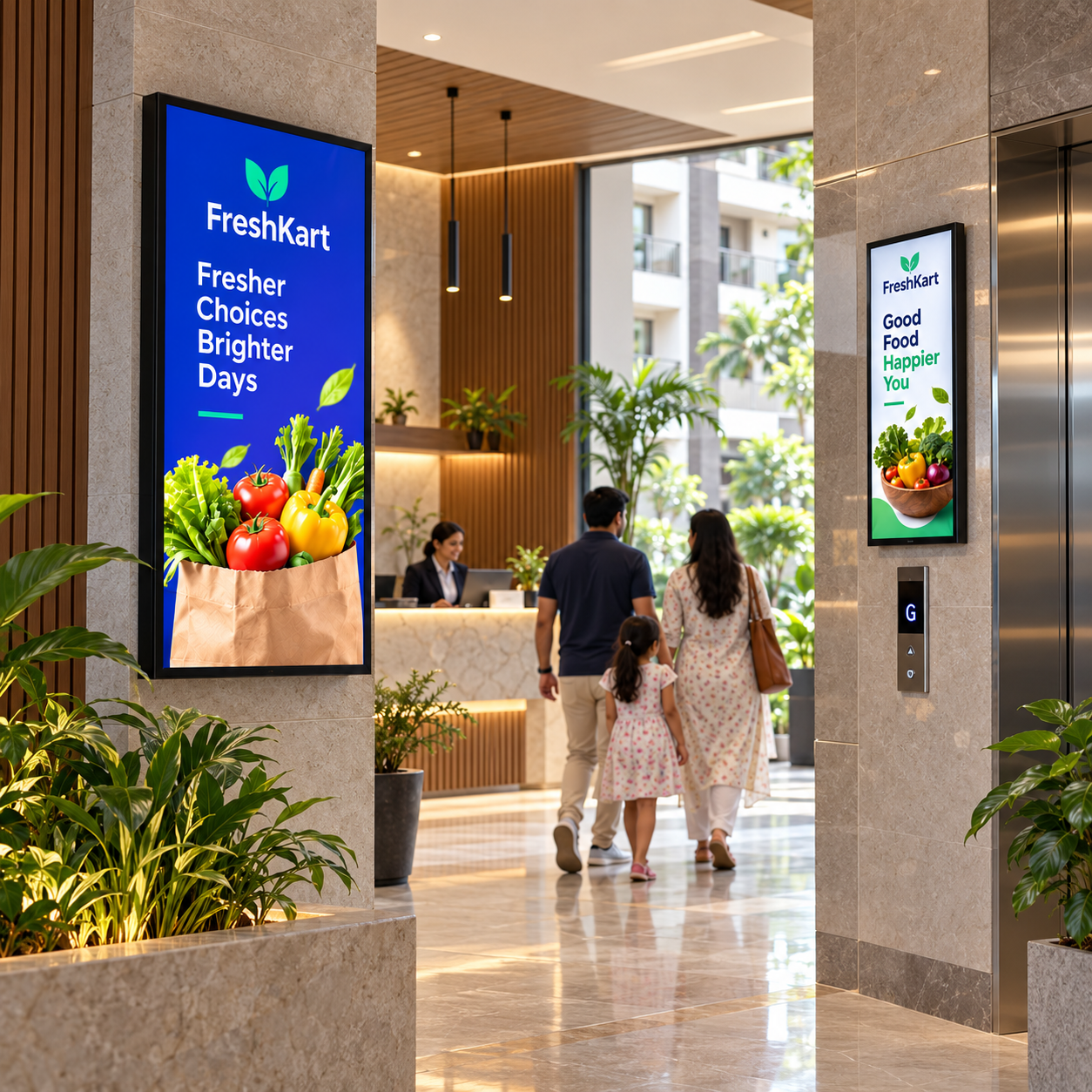
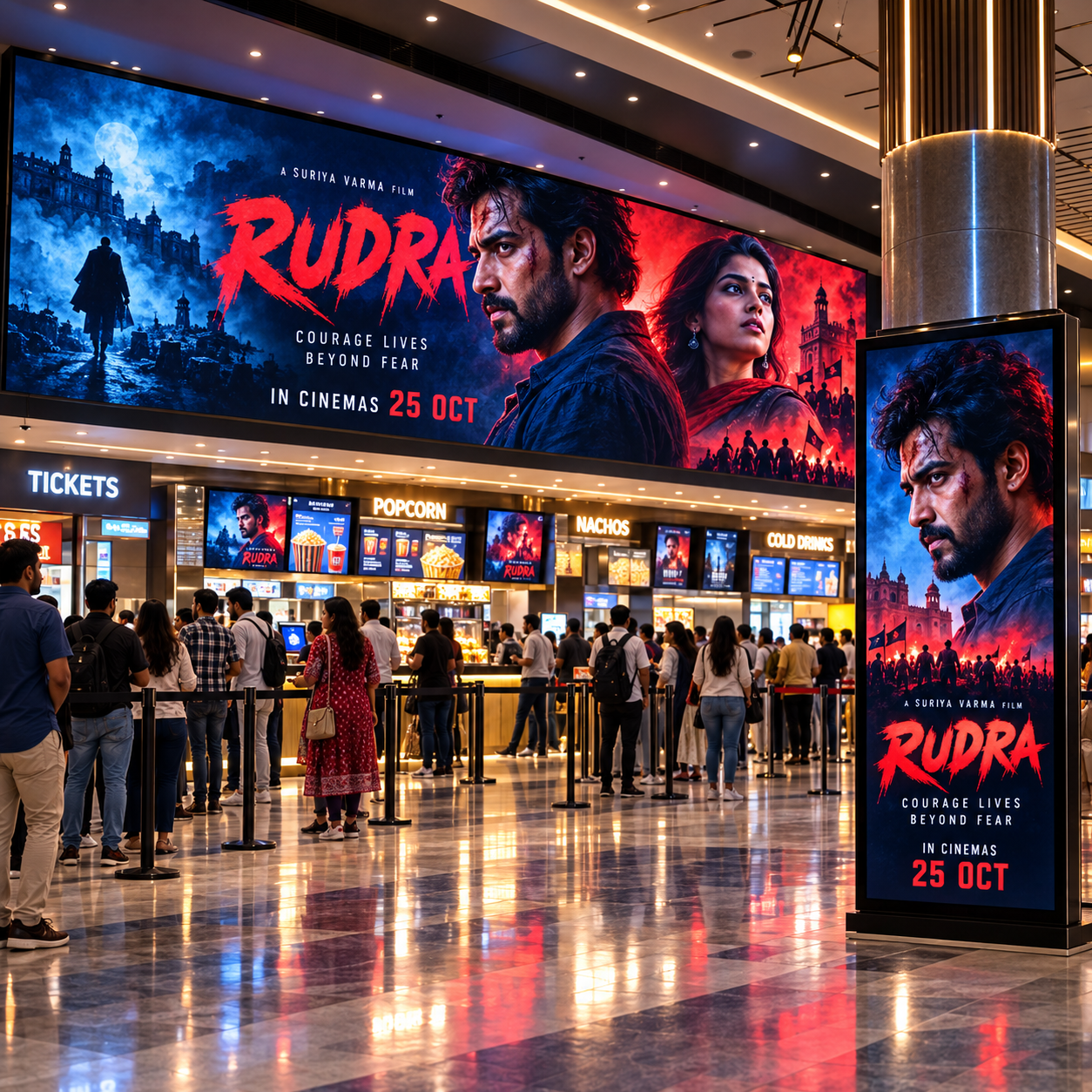
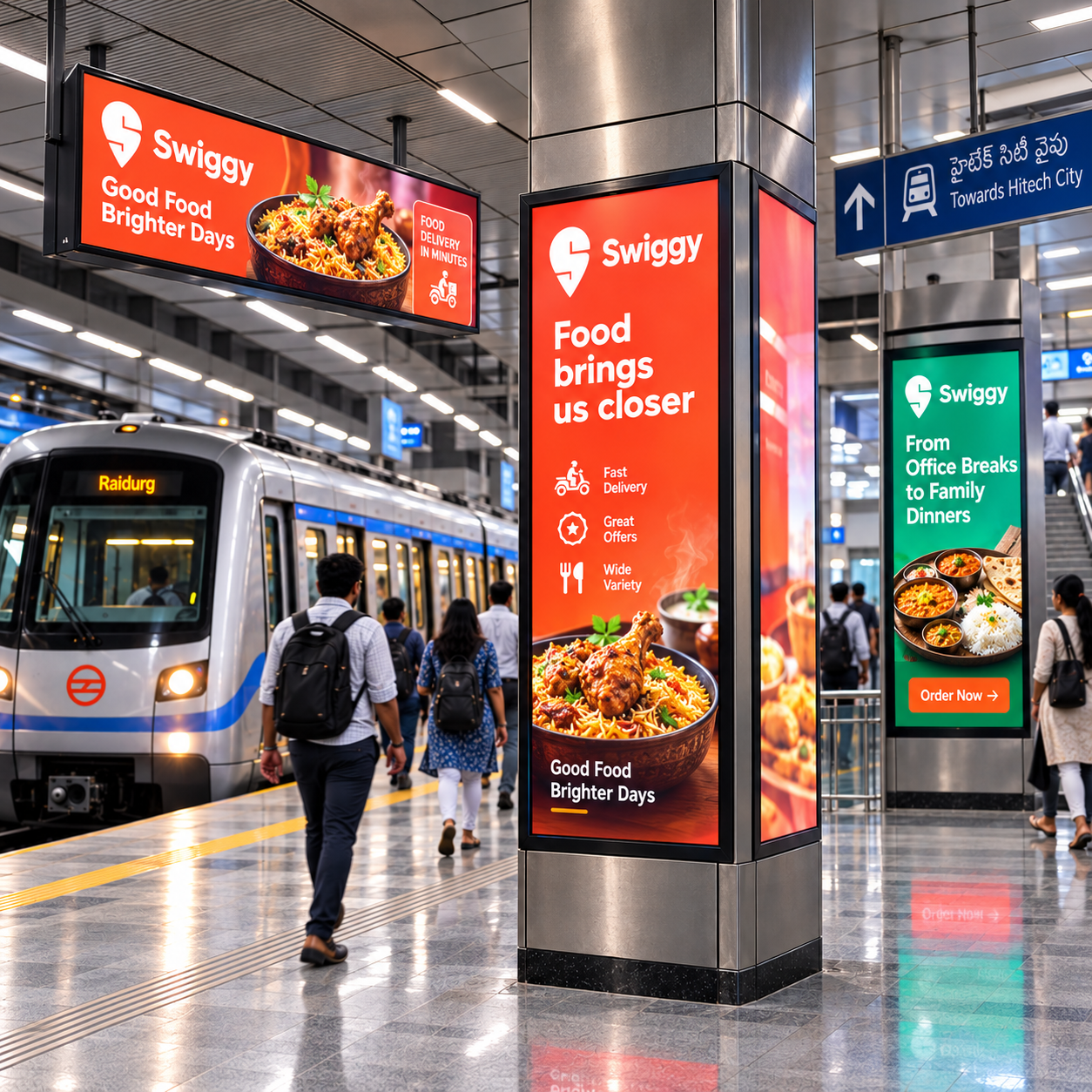
Which screens are live, what's playing, and did it play
A screen network is only worth booking if you can answer those three questions for every spot, every day — not just at the pitch.
Live screen status
Know which screens in your plan are online and playing right now, not just listed in a rate card.
Play logs, not promises
Every spot that airs is logged against the schedule it was booked to, screen by screen.
Planned alongside OOH
DOOH slots into the same budget-and-goal brief as your OOH sites, as one coordinated mix.
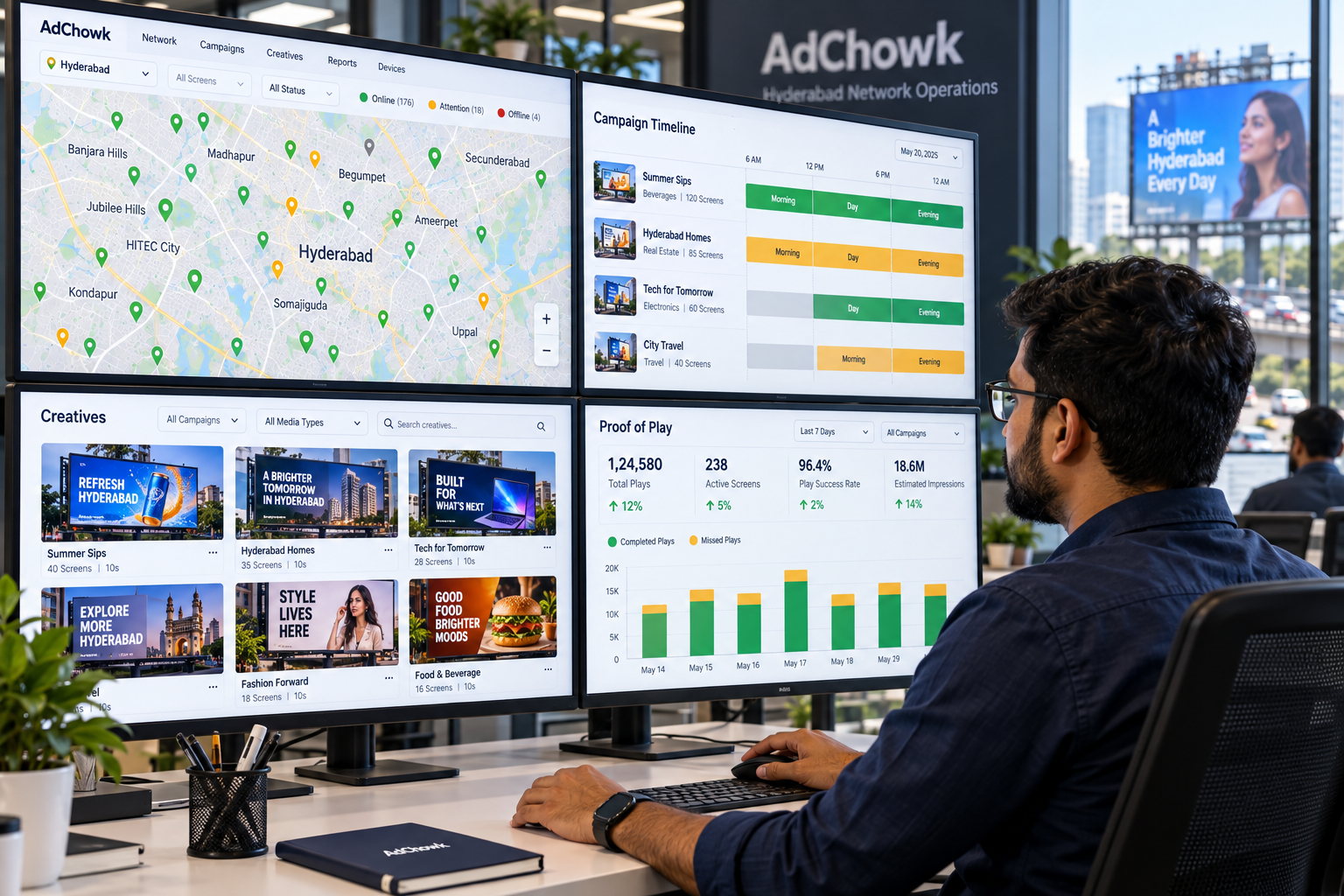
From a media plan to a proof-of-play report
- 01
Brief & budget
Share your goal and budget; DOOH screens are proposed alongside any OOH sites in the plan.
- 02
Screens & schedule confirmed
Screen network operators confirm inventory and the play schedule for your campaign window.
- 03
Campaign goes live
Screen status is monitored while your campaign runs.
- 04
Proof-of-play report
You receive a report of what played, where, and when — against what was scheduled.
Built for the operator running the network
List your screen inventory, confirm schedules, and let demand find you without chasing every booking manually.
Bring lobby and lift-facing screens into a coordinated plan alongside a client's OOH sites.
Plug your network into campaigns that already have a budget and a target audience defined.
- Live screen status
- Proof-of-play reporting
- Multi-operator network
- Planned with OOH
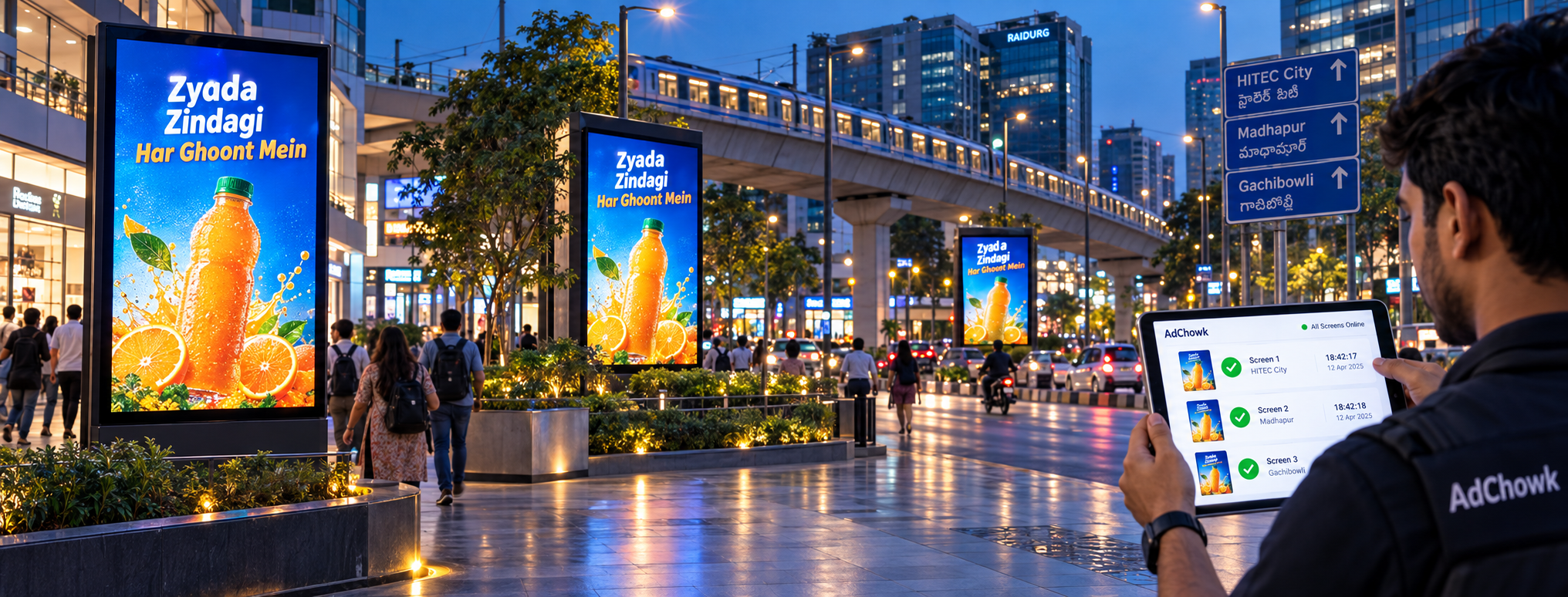
Screens accounted for, not just booked
Run screens in the same system
Your screens and your static faces on one asset master, one calendar and one invoice — with a play log you can hand a client.